---
title: PRIME 5.4 | Newsroom Graphics, Flexible Playout and Everyday Workflow Improvements
description: PRIME 5.4 expands newsroom workflows, simplifies playout, and introduces new capabilities that help broadcasters create, manage, and deliver graphics with greater confidence.
image: https://info.chyron.com/hubfs/PRIME-5.4_Hero-16.9-1.jpg
---
[](https://chyron.com/)
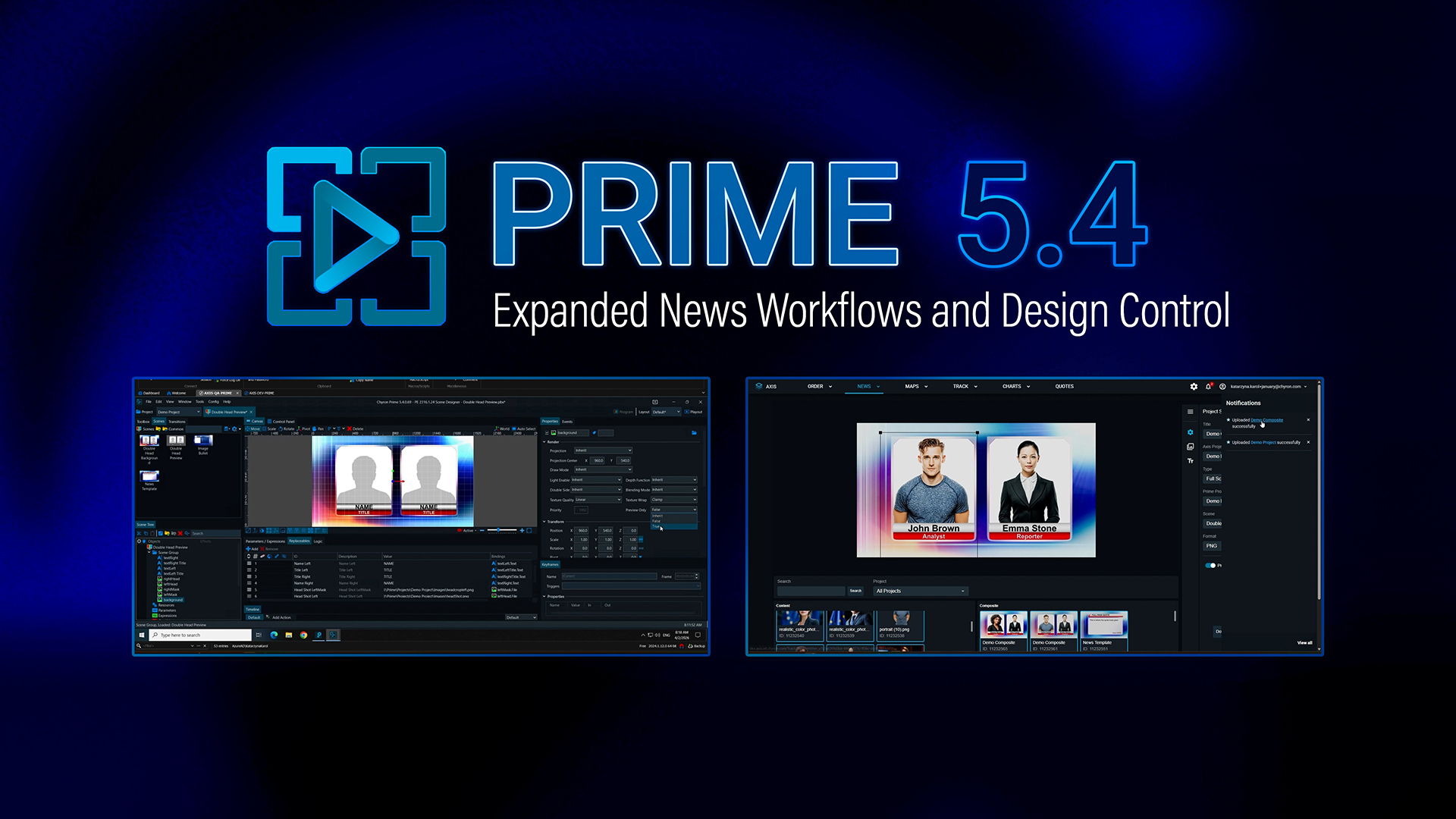
### Expand newsroom workflows. Simplify playout. Work with more control and confidence.
PRIME 5.4 expands newsroom workflows, increases playout flexibility, and simplifies live production operations. The release brings PRIME into more of the environments where content is created, managed, prepared, and delivered, helping editorial, production, and engineering teams work faster and go to air with greater confidence.
PRIME 5.4 extends guided template-based graphics creation to more newsroom users through AXIS News, helping teams modernize editorial workflows and reduce reliance on legacy processes. The release also adds cost-effective SDI hardware options and practical improvements across design and playout, giving engineering and production teams more choice while making everyday operation simpler and more efficient.
[Request More Information](https://info.chyron.com/learn-more-about-newsroom-graphics-and-more-with-prime-5.4)
[Contact Sales](https://info.chyron.com/talk-to-sales-about-modern-graphics-workflows-with-prime-5.4)
---
## **Bring PRIME templates directly into newsroom workflows **
### Use simple PRIME scenes directly in AXIS News
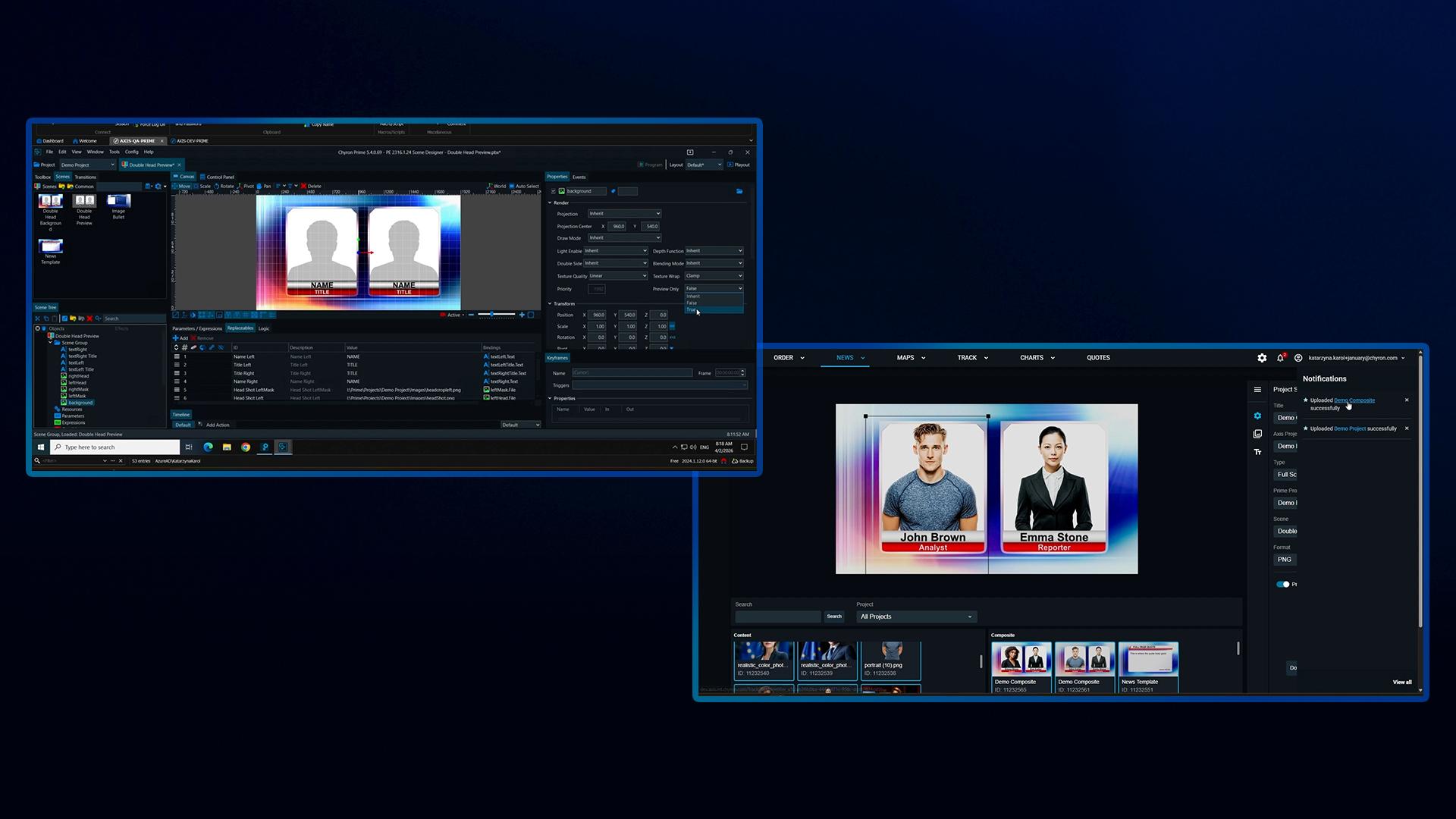
PRIME 5.4 expands PRIME’s newsroom value by allowing simple PRIME scenes to be uploaded directly into [AXIS News](https://chyron.com/products/asset-management-mos-integration/work-order-management/). Newsroom users can update text and images within the AXIS News workflow they already use, helping teams create common news graphics more efficiently. PRIME-AXIS News Templates simplify newsroom graphics creation and support a cleaner migration path to modern PRIME-based operations.
This removes the previous dependency on Lyric PRO for this workflow. Customers modernizing around PRIME can now support more newsroom template use cases with the latest PRIME 5 platform and reduce reliance on older software for specific editorial workflows.
## Add flexible, cost-effective SDI deployment options
PRIME 5.4 adds support for two Deltacast SDI cards, giving customers more cost-effective hardware options for broadcast graphics playout. The DELTA-3G-ELP-D-22 supports SDI workflows with up to two inputs and two outputs, while the DELTA-3G-ELP-2KEY-D-44 supports deployments with up to four inputs and four outputs.
Customers can support familiar broadcast workflows, including fill-only and fill-and-key, without overbuying higher-end hardware. For larger SDI environments, the DELTA-3G-ELP-2KEY-D-44 also provides bypass support to help maintain signal continuity during live operation.
These additions are useful for smaller and midsize SDI playout systems, traditional broadcast graphics workflows, and customers looking for a more affordable path to the right level of SDI input and output capacity.
## Make audio workflows more reliable
### Bring audio into PRIME playout with the same simple workflow used for video
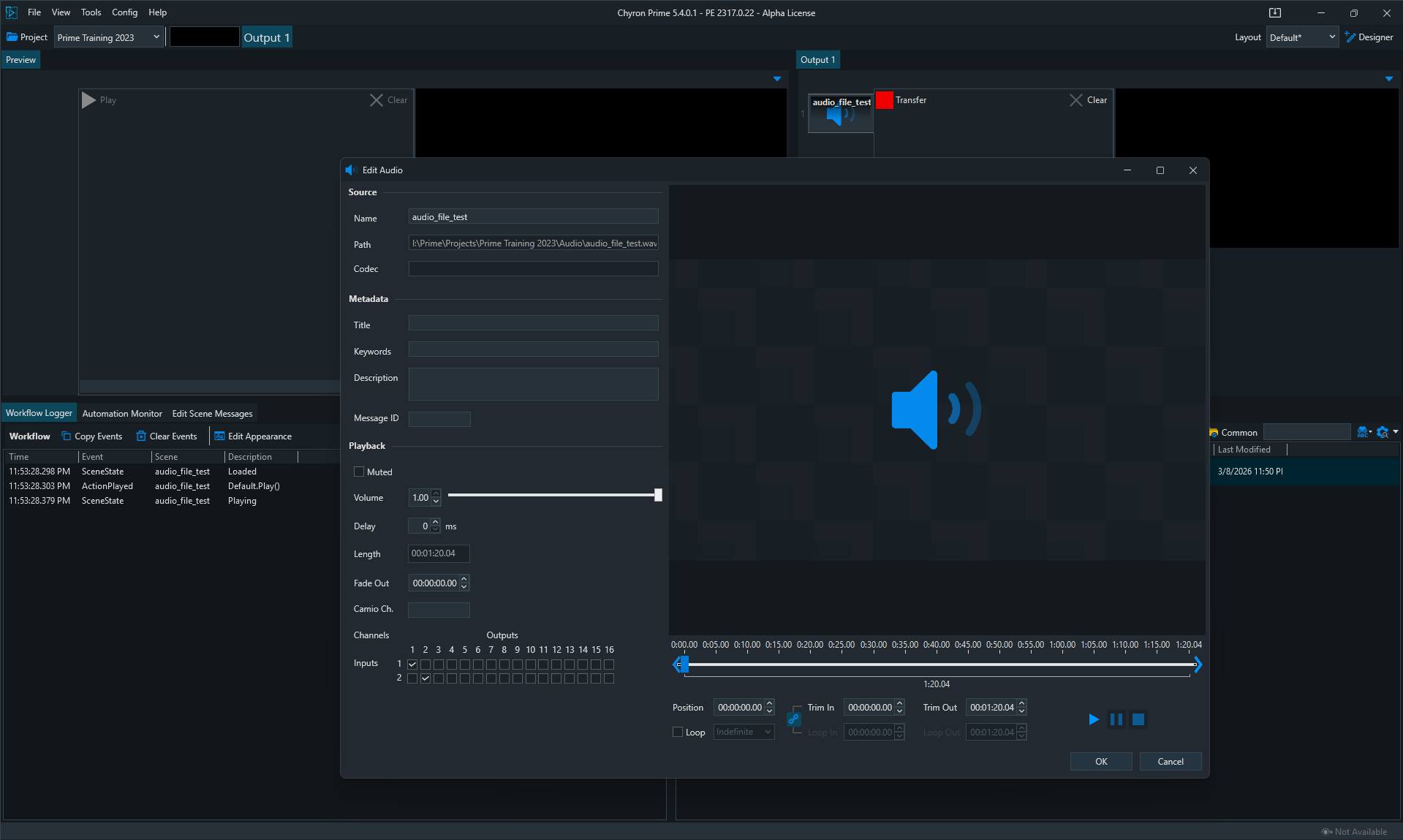
PRIME 5.4 supports direct audio playback by automatically creating .pac files from imported .wav files. Users can then drag and drop audio clips directly onto playout output channels.
This gives audio a familiar workflow in PRIME. Just as video workflows use .ppc files, PRIME audio clips can now follow a simple import, drag, drop, and play model. That makes audio a more natural part of PRIME playout and helps operators prepare and play audio assets without switching to a separate process or learning a different workflow.
For live teams managing both video and audio assets, that added consistency helps reduce setup time and keeps production tasks moving more smoothly under pressure.
## Improve design and everyday PRIME workflows
### HSL and RGBA Color Channel Property Bindings
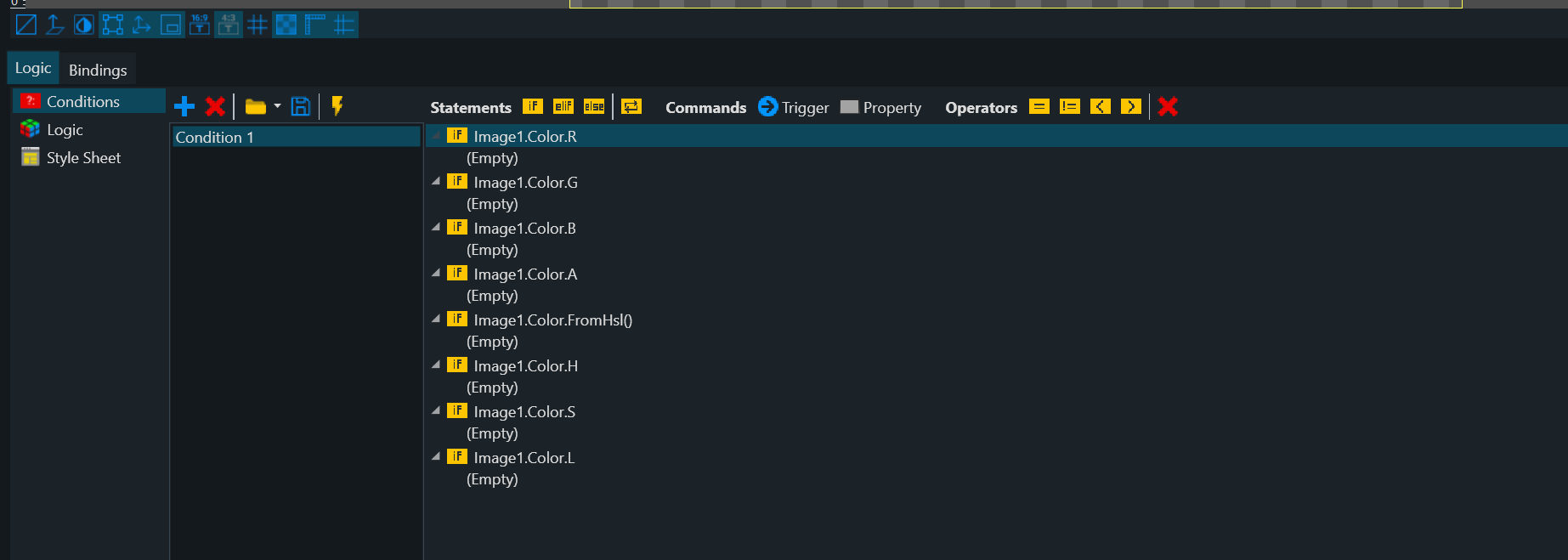
PRIME 5.4 adds support for HSL and RGBA Color Channel Property Bindings, allowing designers to read and write individual color channel values directly in Logic, Conditions, and the Expressions/Bindings panel. Instead of replacing an entire color value, designers can now control individual H, S, L, R, G, B, and A properties with greater precision at runtime.
This gives designers more granular control over how graphics respond in templates and scenes. It also supports more flexible color-driven workflows, making it easier to build dynamic behavior without adding unnecessary complexity.
### Usability enhancements that improve control and visibility across the platform
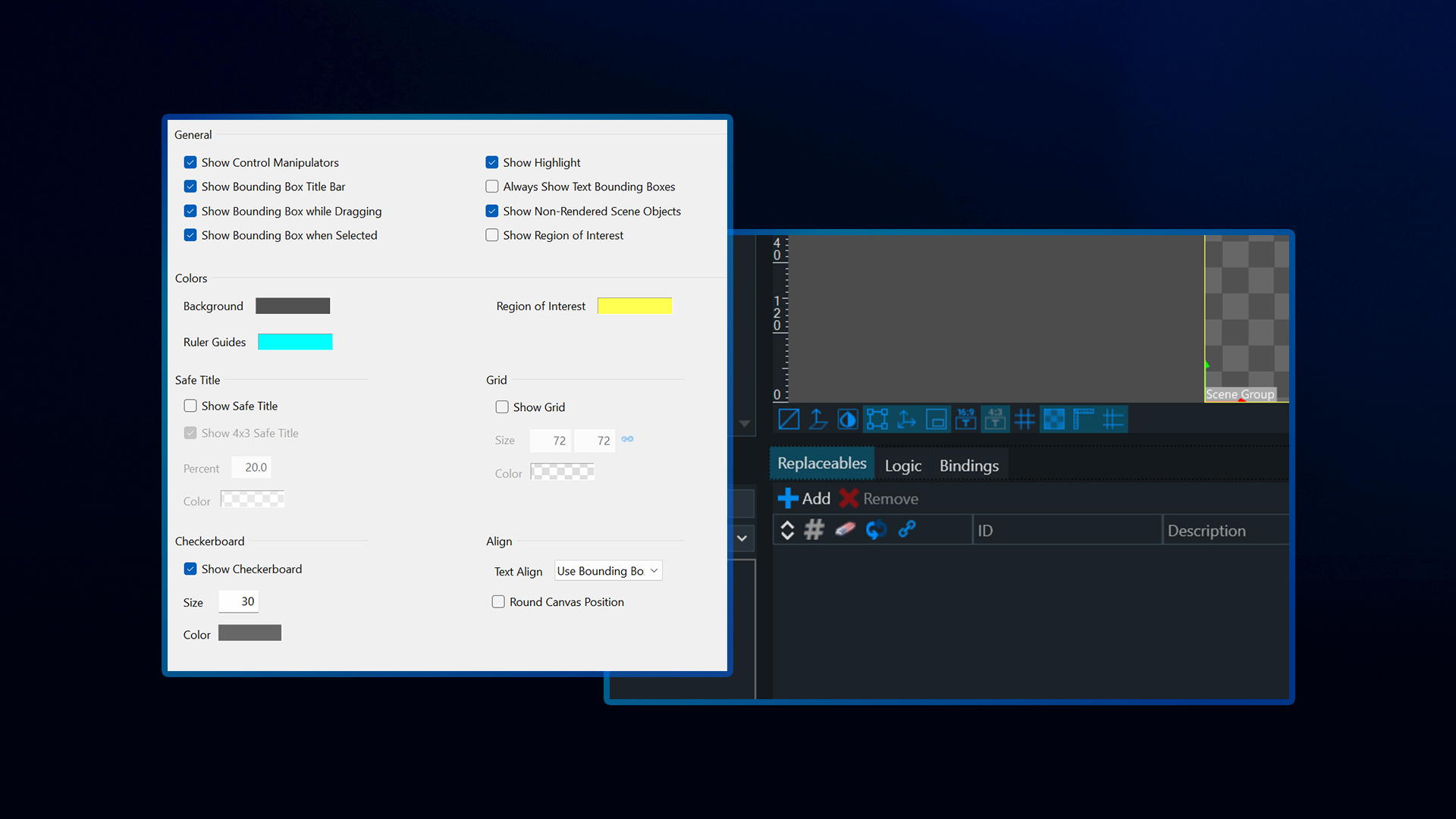
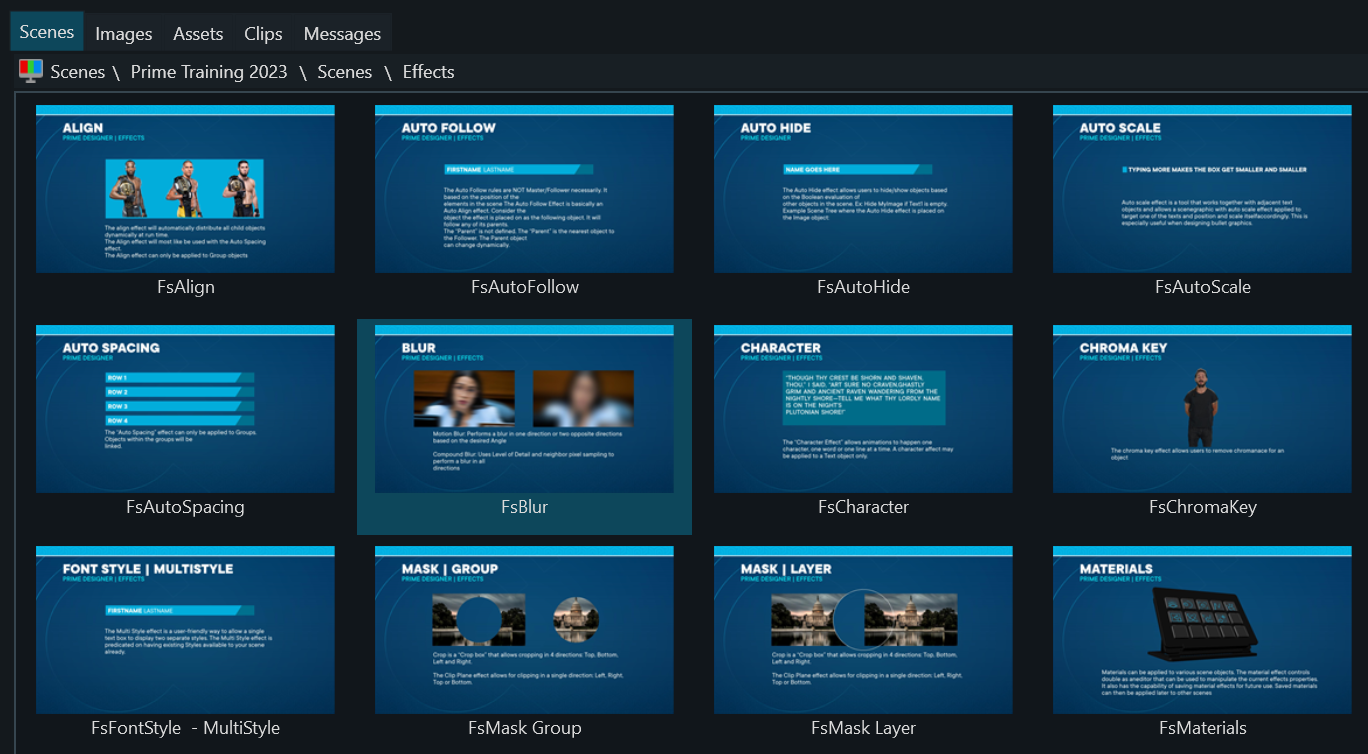
PRIME 5.4 includes a broader set of usability and interface improvements that make everyday work easier for designers and operators. Updates include additional canvas toggles, improved dark theme contrast in the scene tree, a clip plane canvas guide, updated tab index behavior in control panels, output media filename formatting options, and other refinements that improve visibility, control, and ease of use across the platform.
The release also includes expanded text support with the option to load all glyphs on 2D text objects, helping users work more effectively with broader character sets and fonts that contain many glyphs. Additional interface refinements, including improved scene tree highlighting and more visible scroll bars, make the platform easier to navigate in day-to-day use.
Together, these updates help reduce friction in routine tasks and make the platform easier to use across both design and playout workflows.
## Validate before going live
### PRIME Online Watermarked Edition
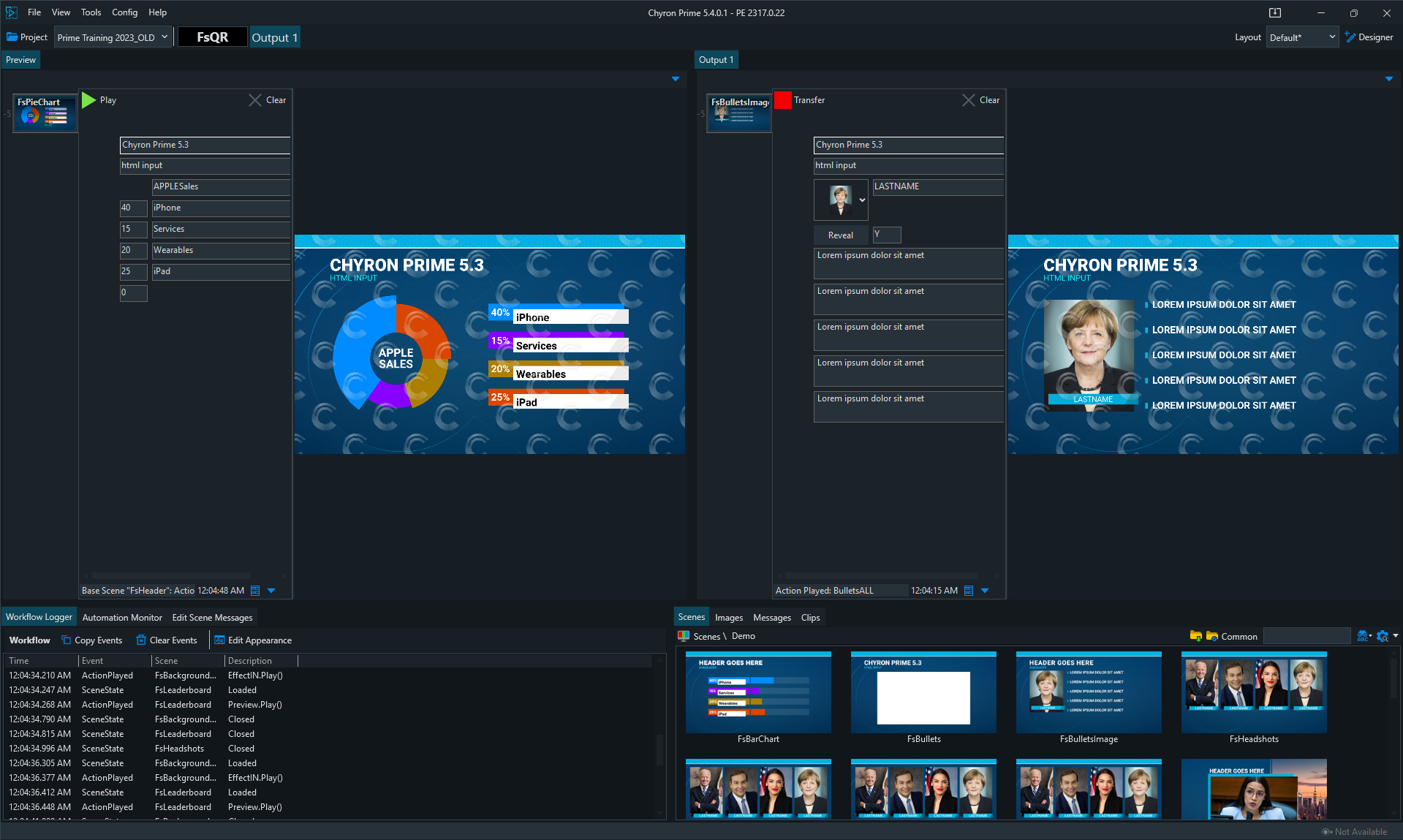
The PRIME Online Watermarked Edition gives teams access to full PRIME functionality and maximum I/O for testing and system validation in a watermarked environment. It allows users to evaluate inputs, outputs, workflows, performance, and overall system behavior in a setup that closely reflects the planned deployment.
By identifying issues earlier, teams can reduce costs and improve readiness before launch. Because the output is watermarked, the edition is intended for pre-production validation rather than final on-air use.
## Built for the full production workflow
PRIME 5.4 strengthens the connection between the teams that create, manage, and deliver live graphics. With PRIME-AXIS News Templates, newsroom users gain a more direct way to prepare common graphics within their existing workflows. Organizations can reduce legacy dependencies and extend PRIME-based operations further into editorial environments.
The release also improves the way teams prepare and deliver content to air. Operators gain simpler audio workflows. Designers gain more precise runtime color control and broader usability enhancements that improve day-to-day work across the platform. Engineering and infrastructure teams gain more SDI deployment options and an online watermarked edition for validation before going to air.
These updates help customers modernize newsroom graphics, reduce legacy dependencies, right-size infrastructure investments, and improve everyday workflows from design through playout.
---
# Ready to see PRIME 5.4 in action?
Virtual Placement 8.1 helps production teams deliver more reliable virtual graphics with smarter chroma keying, lower-latency camera workflows, improved tracking stability, and deeper PRIME graphics integration.
From live sports production to venue workflows, Virtual Placement gives operators the flexibility and confidence to create compelling on-air experiences with fewer workflow disruptions.