---
title: "CAMIO 5.6: Faster, Smarter Live Production 🎛️"
description: Discover LUCI Control Panels, faster rundown updates, a redesigned LUCI experience, enhanced system monitoring, and AXIS 4.0 support in CAMIO 5.6.
image: https://info.chyron.com/hubfs/CAMIO-5.6_Hero-16.9-social.jpg
---
[](https://chyron.com/)
# CAMIO 5.6 - Introducing LUCI Control Panels
Meet LUCI Control Panels, along with a reimagined template workflow, a refreshed UI, and faster rundown performance. CAMIO 5.6 is built for the speed of live production, with fewer clicks for producers, faster updates to playout, and clearer system health for operators, so your production keeps pace with every breaking moment.
[Explore CAMIO 5.6](https://info.chyron.com/camio-5-6-learn-more)
[Contact Us](https://info.chyron.com/camio-5-6-contact-sales)
---
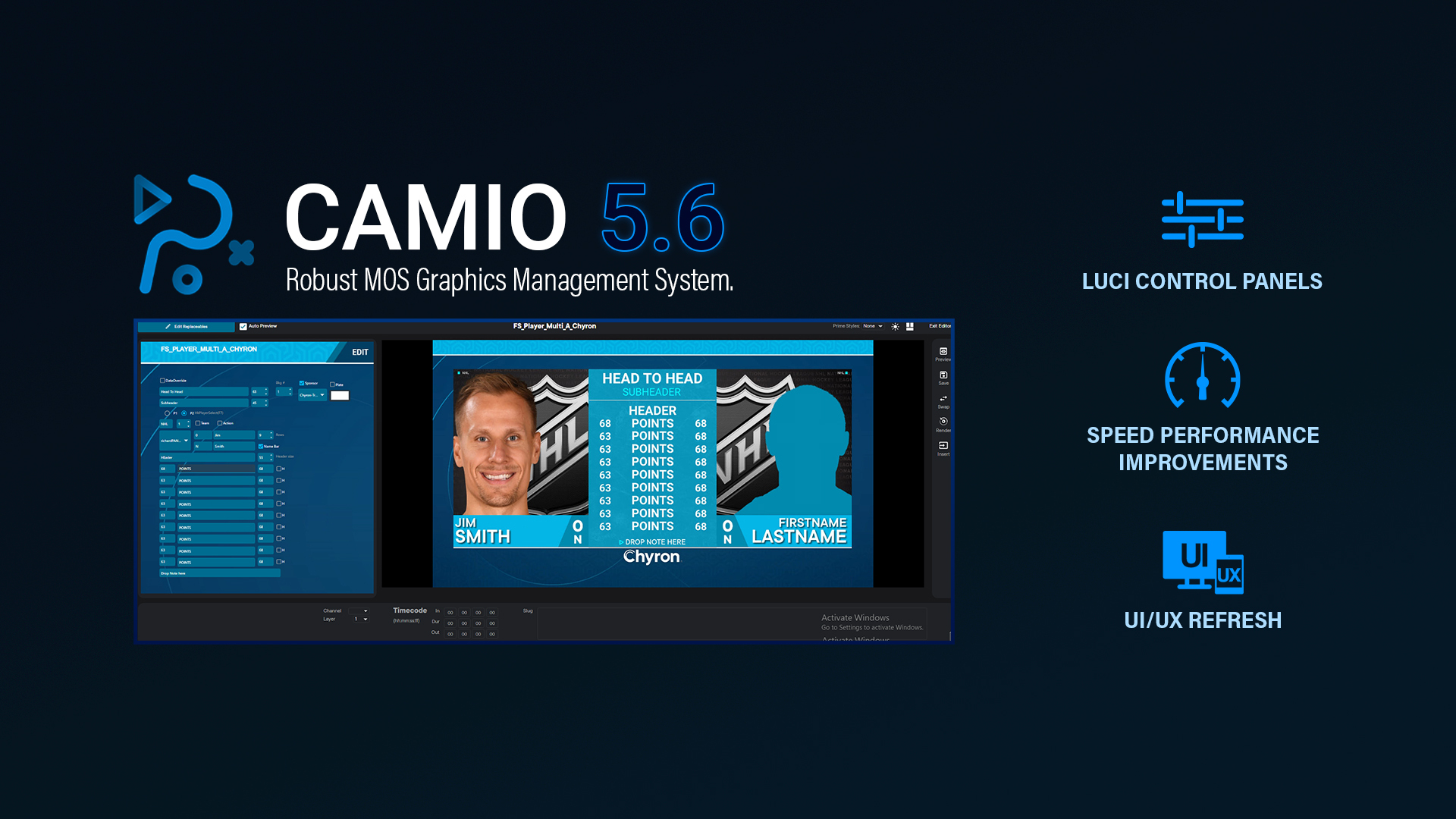
## **Populate a Template Your Way **
CAMIO 5.6 introduces LUCI Control Panels, a powerful new way to work.
Control panels built in PRIME now translate directly into the LUCI plugin, giving producers a clean, purpose-built interface that mirrors the graphic they're populating, so producers can populate even the most complex designs in seconds.
LUCI Control Panels let producers do more on their own than ever before, directly from the rundown, without involving the art department. A visual color picker lets producers select and adjust colors on the fly, and checkboxes and sliders replace typing "Y" or "N" into text fields. Beyond the surface, dependent data fields let selections in one field automatically filter options in another, while custom scripting allows designers to build logic directly into the control panel, streamlining workflows that previously required manual steps.
---
## Unlock AXIS 4.0 with CAMIO 5.6
**System Requirement:** Upgrading to CAMIO 5.6 is required to run [AXIS 4.0](https://info.chyron.com/axis-4-0-smarter-workflows-richer-storytelling).
Upgrade today to strengthen your graphics pipeline and take full advantage of AXIS 4.0. You’ll unlock major updates to the News and Maps modules, along with high-speed data transfer protocols and enhanced security.
[Learn how to Upgrade Today](https://info.chyron.com/camio-5-6-contact-sales)
---
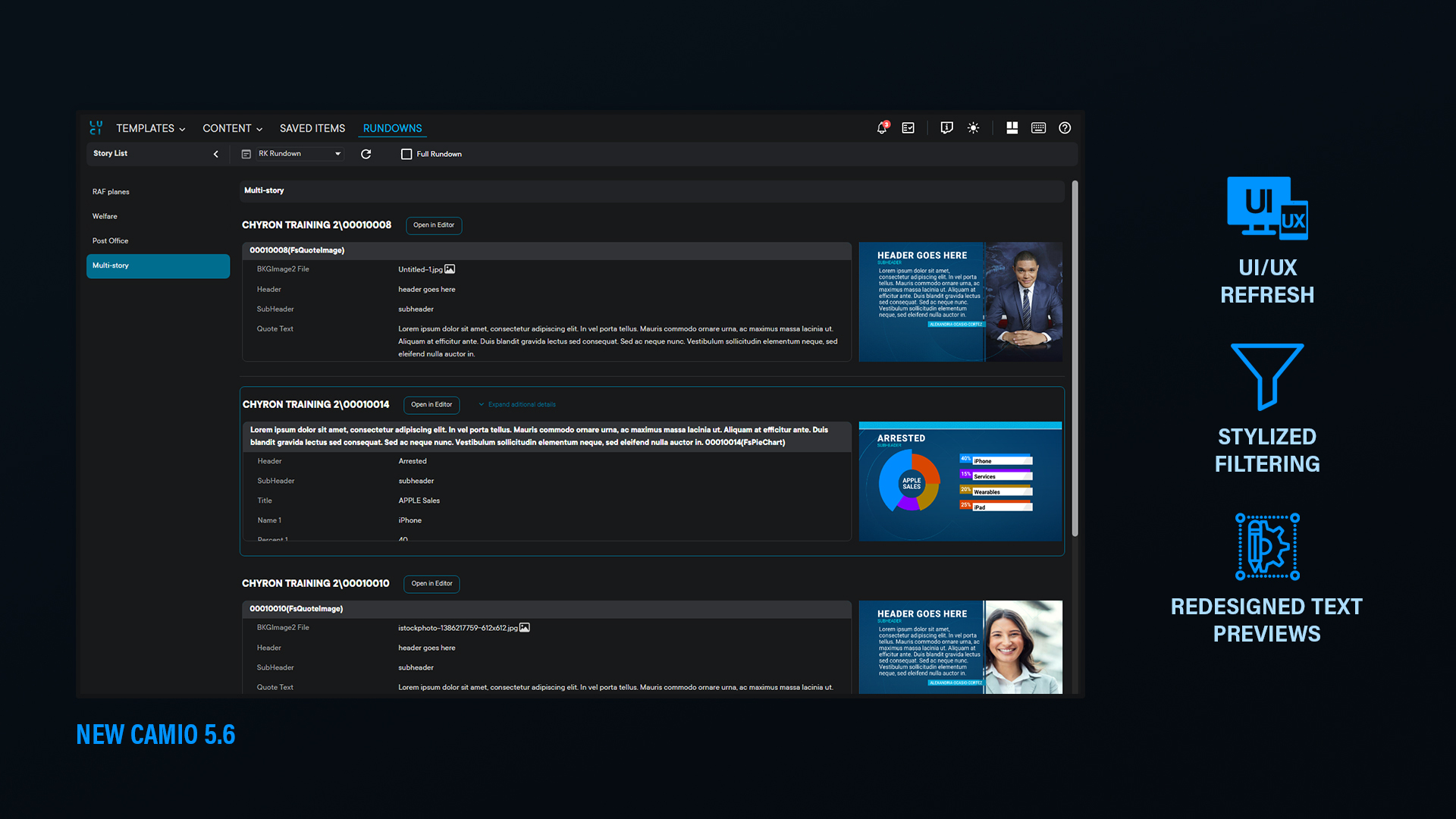
## More Content → Less Clutter
In CAMIO 5.6, the LUCI UI has been improved to ensure the best use of screen real estate. Preview panes, thumbnails, and template rows are all larger, and menus no longer obscure your workspace. Templates now show categories, last-updated dates, and used counts, so producers can gauge the impact of changes before making them.
Shortened labels, icon-based dropdowns, and a modernized LUCI logo free up horizontal space. A redesigned search and filter bar reduces clicks, and dark/light modes, keyboard shortcuts, and layout toggles are all accessible from a simplified toolbar. Clear tooltips throughout help new users get oriented without formal training.
Every change was developed with input from customers and daily LUCI users, resulting in a left-to-right workflow that matches how producers actually work: browse, fulfill, preview, publish.
---
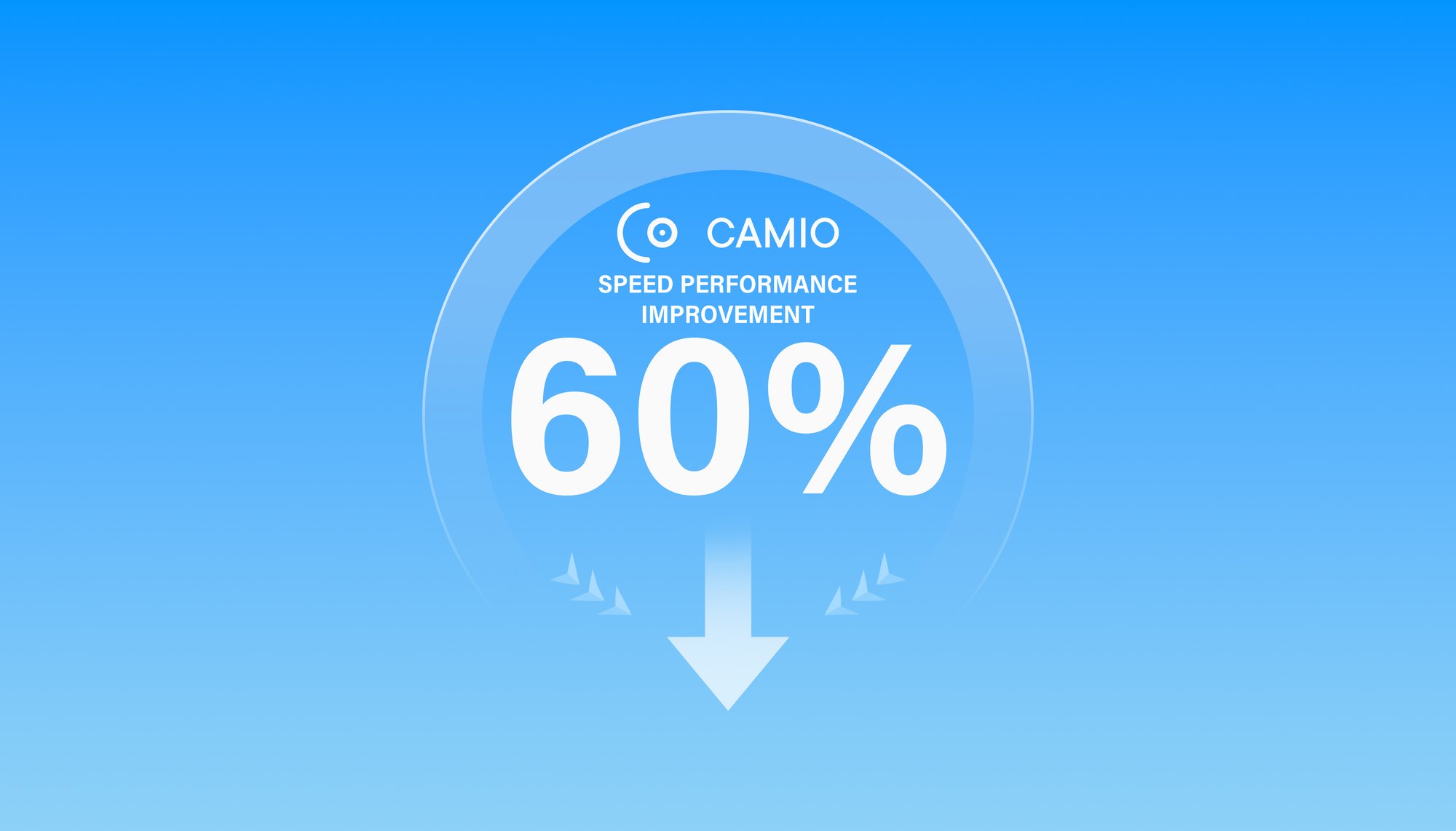
## Up to 60% Faster Rundown Updates
CAMIO 5.6 delivers a major performance upgrade to how rundown changes reach your playout systems. When a producer updates a rundown, CAMIO processes and distributes those changes to connected playout targets up to 60% faster than previous versions.
The overhead per additional playout system is minimal, so the more systems running, the greater the gain. Whether you're pushing updates to a single channel or coordinating across dozens, changes propagate more quickly, keeping producers moving at the pace of the rundown.
---
.jpg?width=1920&height=1080&name=CAMIO-5.6%20Monitoring%20(1).jpg "CAMIO-5.6 Monitoring (1)")
## Catch Issues Before They Air
[CAMIO includes built-in monitoring](https://info.chyron.com/camio-monitoring) that tracks the health of its services and surfaces status information through Grafana dashboards. In 5.6, monitoring has been updated to cover the full Red, Amber, Green spectrum, giving operators a clearer picture of system health at a glance.
If a service appears to be running but has stopped responding, your dashboards surface a clear amber warning state. This gives operators an early signal to investigate and intervene before a minor issue escalates into a major problem during live production.
---
## Ready to see CAMIO 5.6 in action?